
The Comet Browser – A Must-Try for Tech Enthusiasts and Productivity Seekers
Some of you might know that I’ve been experimenting with different AI-first browsers lately. I tried Arc from The Browser Company (huge learning curve, drastic UI/UX changes. Glad to see its makers decided to sunset it and come up with a fresh take, Dia), and I’ve been a fairly heavy user of the Zen browser based on Firefox, and still love it.
But now, I’ve been taking Comet browser (by Perplexity) for a spin… and I should say: this one is closer to taking the crown. Here’s why:
Performance & Usability: It’s lightweight, fast (so far), and has a zero learning curve. A huge plus is there’s no crazy sidebar for tabs to get used to, and no wastage of screen real estate if you are on a small screen. Additionally, if you’re coming from the Chrome world, you’ll feel right at home with no major changes to the UI.
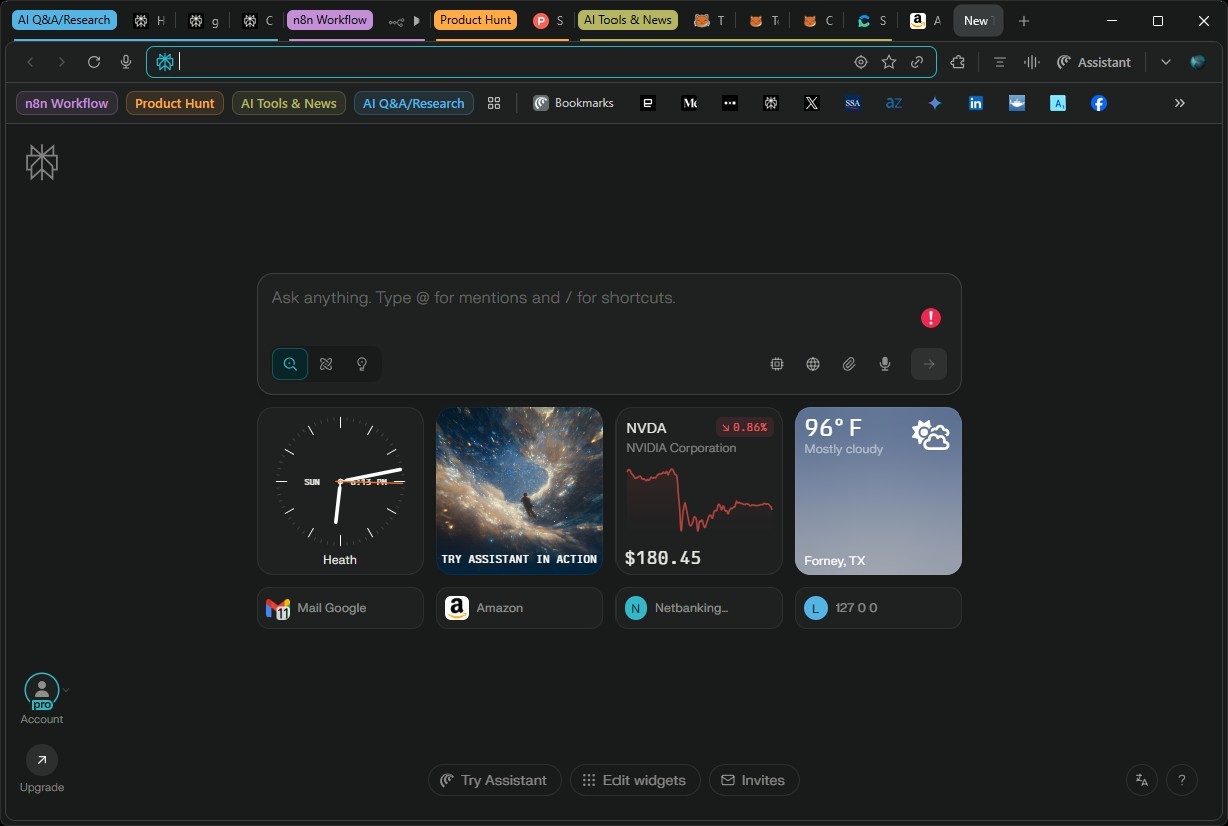
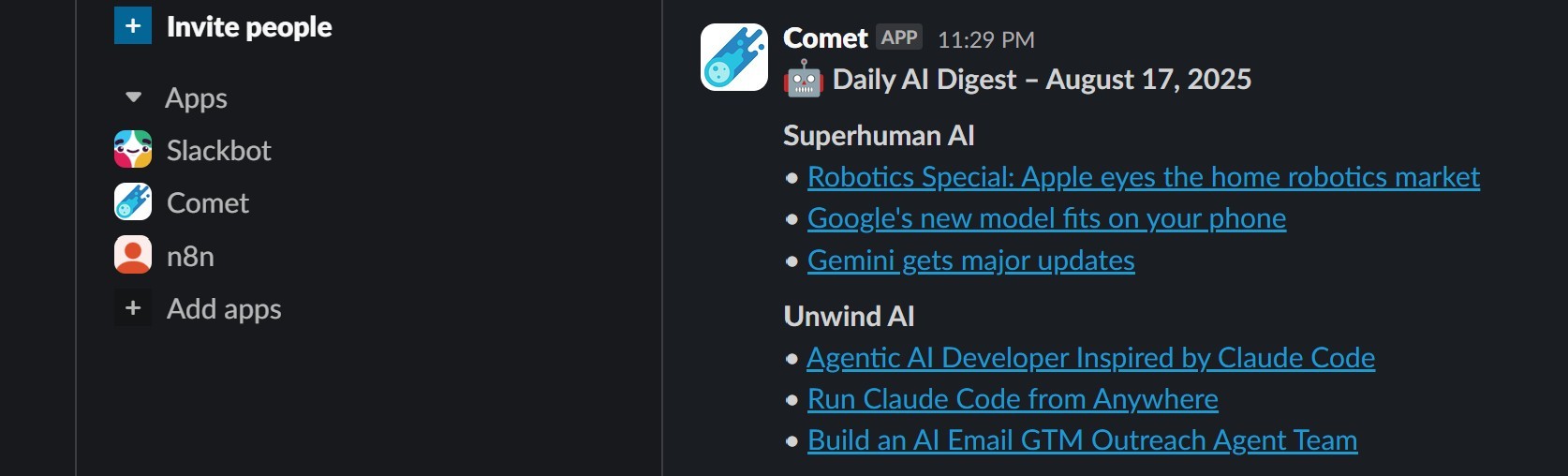
Smart Integrations (could potentially replace some SaaS tools): Comet’s automation features rival, and in some cases replace, my workflows on n8n. If you are a heavy user of automation tools like Zapier, Make this feature will stand-out. I tested this by creating a simple newsletter automation. While it took me almost a day to get my n8n workflow running for a similar task (blame it partially on my learning curve, app selection, integration with slack, etc.), Comet was a breeze. I had it working flawlessly in just a few minutes (or should I say few prompts), and now I get a custom, curated newsletter on my Perplexity app on mobile every morning. Comment below if you are interested in the ‘what’ or ‘how’ part of the automation I did.
Far less friction than using n8n. However, knowing what tools like n8n, make, Langflow, etc. bring to the table, I will not discount Comet+Perplexity to be a 1:1 replacement for these tools. Complex use cases, like ones that require multiple LLMs, tool calls, etc. will still require the power of dedicated automation tools. For certain personas, most of their use cases can be catered to via Comet+Perplexity combination.
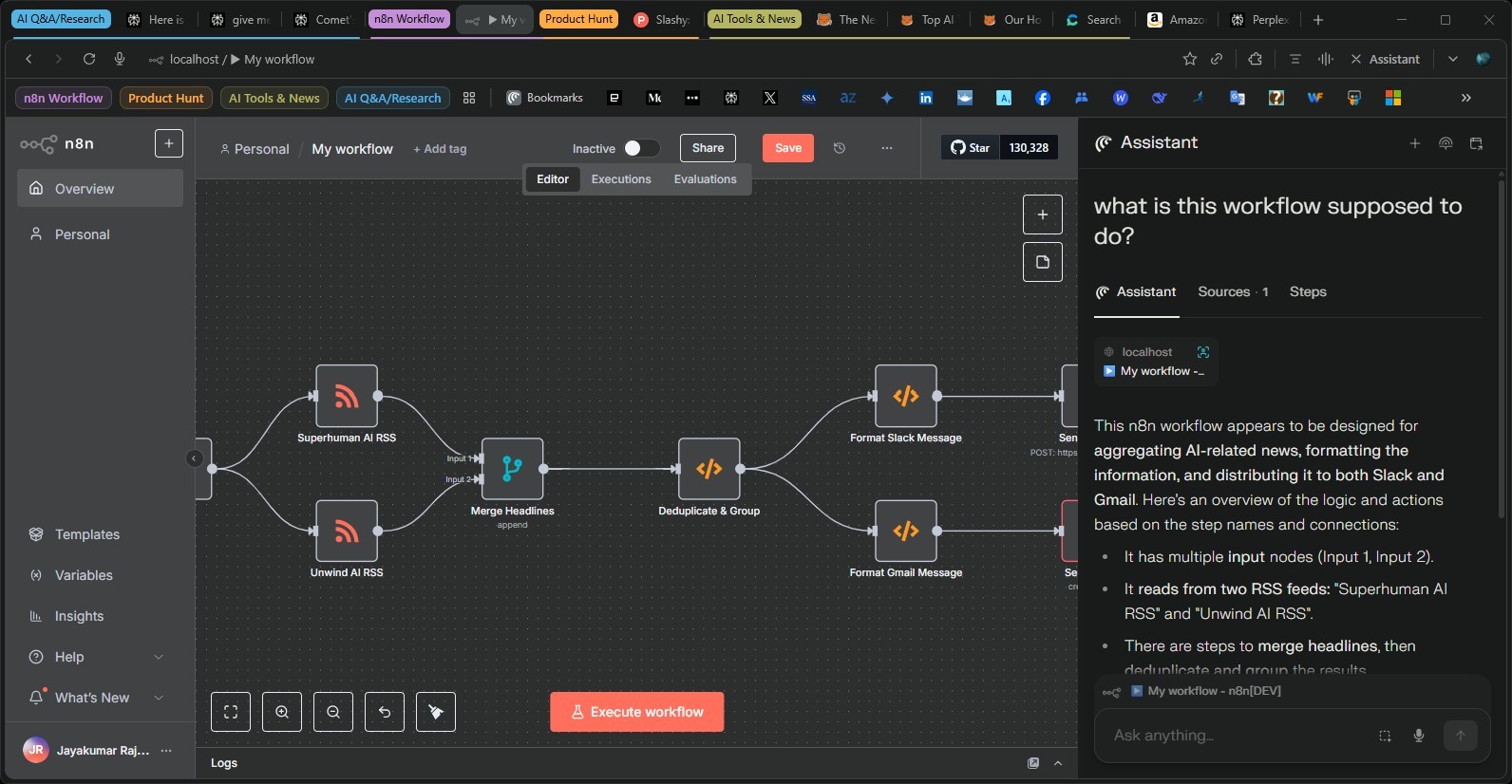
The Assistant Experience: I confess, I’m a recovering tab hoarder. The dread of accidentally closing a window with 15+ tabs is real. I used to rely on chrome extensions like Merlin (not limited to Merlin) to work alongside my searches, but it soon became clunky (and paid). Later shifted to using pinned tabs of Gemini and ChatGPT on Chrome to supplement my search (e.g., synthesize, decompose or get further insights).
With Comet, I can easily access the Perplexity assistant (on the top right) to kick off a task or perform additional research without opening additional tabs. In addition, given that it already has some context based on what I am doing on the tab, and personal preferences I have set prior, the prompts don’t need too much of elaboration. Simple things like summarization, product comparison, price checks work fine in my limited testing. Never had to juggle multiple tabs to accomplish a single task. Even better, I can continue from where I left few days back without much of a productivity loss when I resume the search.
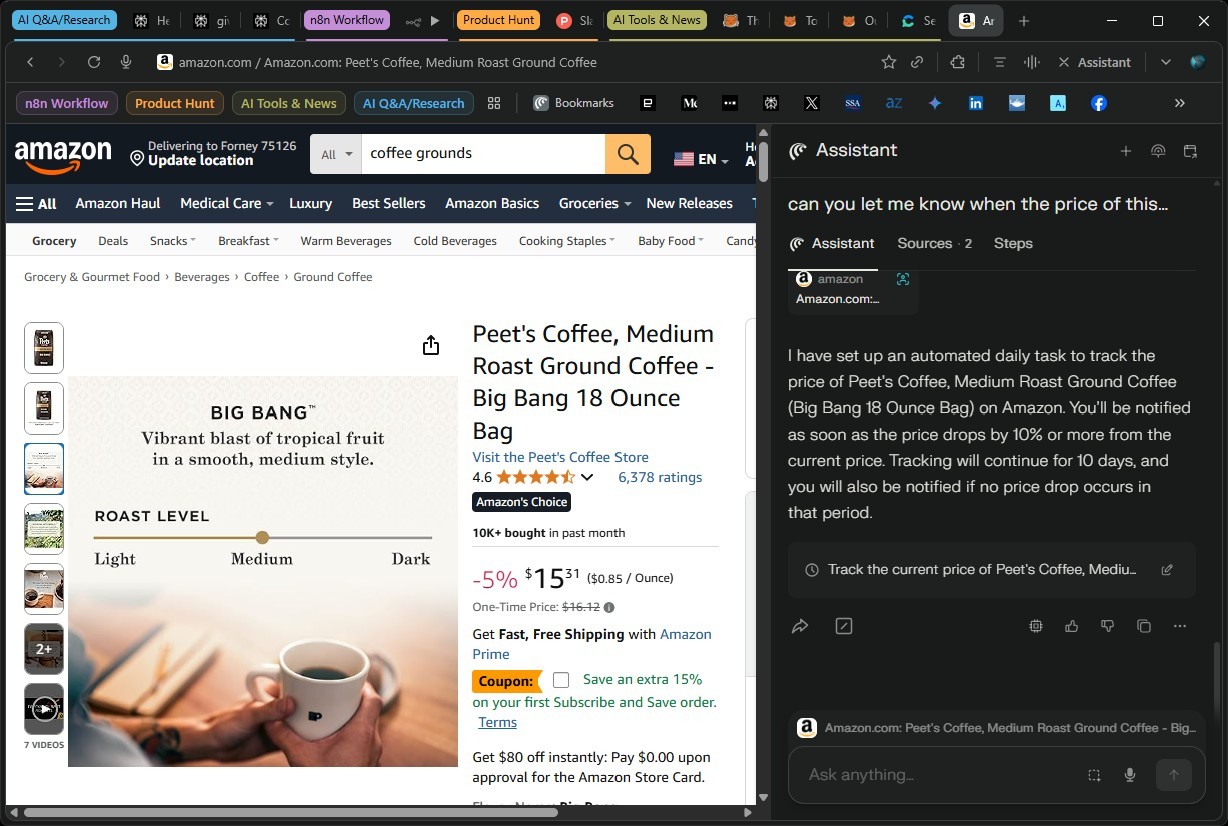
Price tracking: While I was impressed with the fact that I was able to setup a price tracker and have it scheduled in no time, I am not sure if this is going to count towards the 300+ pro searches I have per day. If it would, then a more effective method would be to integrate Perplexity with sites like Honey, CamelCamelCamel and get the price tracking check for a collection of products.
I’m aware of n8n or Zapier automations for this, but they can be tricky to set up with free credits. For example, services like airtop.ai tavily run out quickly credits very quickly unless you are paying for each of these services.
The Value Prop I see with Comet+Perplexity:
If a subscription to Perplexity can reduce or eliminate the need for multiple SaaS subscriptions (e.g., n8n, Zapier, various point AI solutions), the cumulative value is incredible. Why juggle a dozen subscriptions when one tool can handle it all? If you’re already subscribed to multiple $10-$20/month services, just check how many of those can be handled by Perplexity and to what extent. If you are satisfied, you have your answer.
Comet isn’t perfect:
In the newsletter automation I did, it missed a step. The integration part was not complete, and it did not tell me anything. A novice user would have missed this and been wondering why he/she did not get the newsletter the next day. I had to do a couple of probes to get the integration and other quirks ironed out. For example, ask it to send a test message to the Slack Channel and that’s when you get to know the incoming webhook needs to be provided. Then the next hurdle in terms of the format required for slack, and so on.
Feature Request for the Perplexity Team:
- Offline / Local Model Support: I’d love to see an offline mode that uses locally installed models (e.g., through Hugging Face or Ollama. This would be invaluable for travelers, for those in low-connectivity environments, and for enterprise users who need privacy or prefer to use their own custom-tuned models. If Perplexity is not a fan of competitors models being used with Comet, I am happy to use Perplexity’s own version. This could be limited to the pro users.
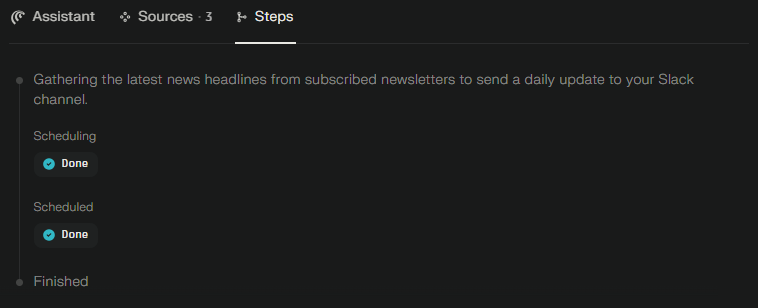
- Workflow visibility: Transparency into the agentic/action flows would help. It does list the “Steps” but this is a bit of high level and not good enough to check if it has all the details it needs to complete a given task. For seasoned users, these are manageable, and I expect improvements as Comet evolves. Right now, it’s not GA. So no complaints!
Initially, I was a little skeptical about what Comet will deliver. Now, I will say, “Huge kudos to the team at Perplexity for building such a nice browser“. Keep pushing the boundaries.
Curious to hear from others who are taking the Comet for a spin! Share your experience in the comments.
Do read my earlier post on Consent Engineering and AI-Browsers here: https://www.linkedin.com/posts/jayakumarr_aiprivacy-consentmanagement-cmp-activity-7325772208583122944-abhd?utm_source=share&utm_medium=member_desktop&rcm=ACoAAAD-gBEBhCs4OhhNDdTPz6a9opSOirpsN4s
#AIBrowser #Productivity #Automation #CometBrowser #PerplexityAI #AITools #TechInnovation #DigitalTransformation #WorkSmarter
Great breakdown of the Comet browser. I particularly agree with your point about reducing friction—the way it integrates the Perplexity assistant to stop tab-hoarding is a massive productivity boost. I’m a fan of tools that prioritize that 'no-signup, immediate value' approach; it reminds me of why I use Body Visualizer for tracking fitness goals, as it just uses measurements instead of requiring photos. It’s refreshing to see more tools focusing on speed and user privacy like this.